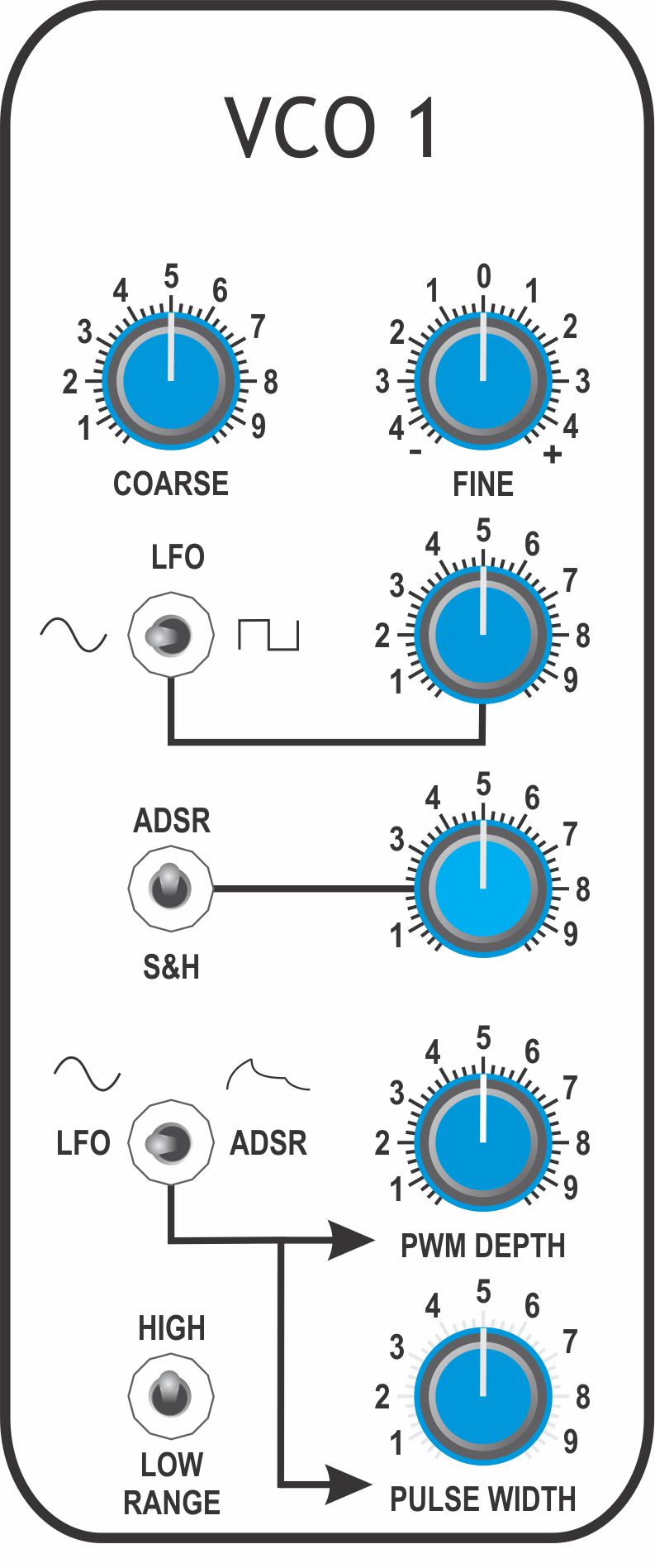
| Test Point |
Trimpot |
Procedure |
|
P1008 |
- Set the VCO 1 Range switch to 'HIGH'
- Set [TRANSPOSE] to '0'
- Set [PWM DEPTH] to minimum
- Set [PULSE WIDTH] to '5'
- Monitor TP-B51 with an oscilloscope
- Press 'MIDDLE C' on the keyboard
- Adjust VCO 1 [COARSE] and [FINE] to display one complete cycle
- Adjust P1008 until the duty-cycle is 50%
|
|
P1006 |
- Set the VCO 1 Range switch to 'HIGH'
- Monitor TP-B61 with either an oscilloscope or frequency counter
- Set VCO 1 [COARSE] to its mid-position
- Set VCO 1 [FINE] to '0'
- Press low `C` on the keyboard
- Adjust P1006 for a frequency of 65.406Hz (C2)
|
|
P1001 |
- Set the VCO 1 Range switch to 'HIGH'
- Monitor TP-B61 with either an oscilloscope or frequency counter
- Press 'LOW C’ on the keyboard
- Adjust VCO1 [COARSE] and [FINE] for exactly 100Hz
- Press 'HIGH C’ on the keyboard
- Adjust P1001 trimmer for exactly 800Hz
- Repeat steps 3 to 6 until the frequency is correct on low `C’ and high `C’
|