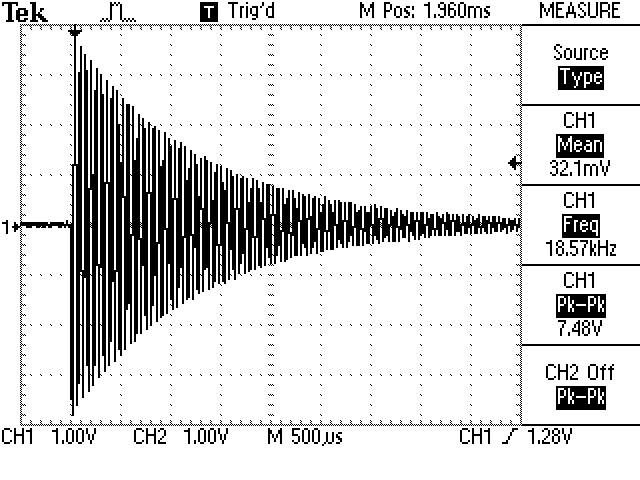
Step 7 - ES08 Ringing
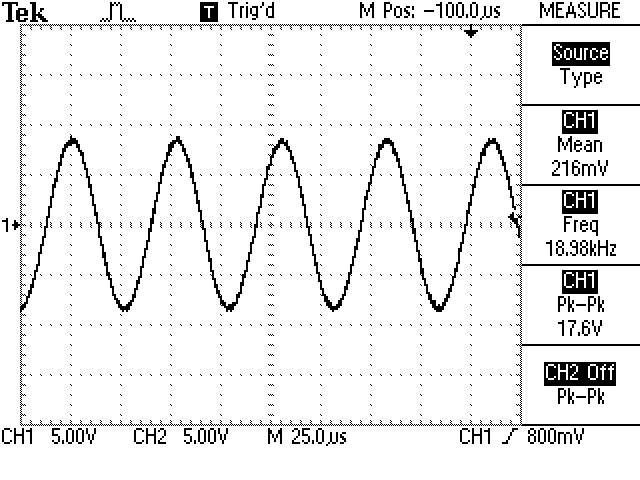
Step 9 - Tuning to ~19kHz |
Email: elby-designs@bigpond.com
© Copyright 2000. All rights reserved. Revised: April 29, 2026


© Copyright 2000. All rights reserved. Revised: April 29, 2026
|
||
Email: elby-designs@bigpond.com
© Copyright 2000. All rights reserved. Revised: April 29, 2026 |